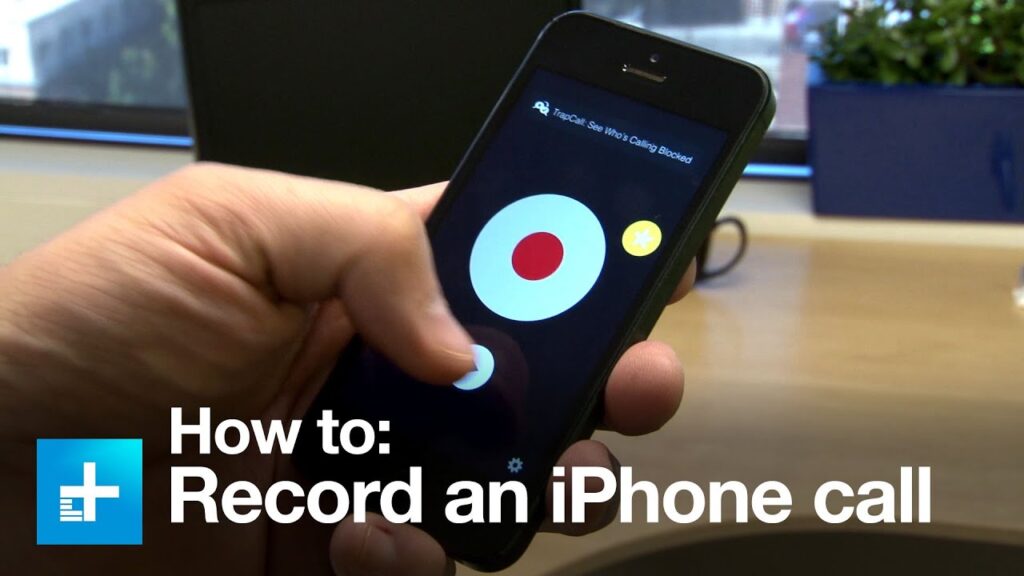
Recording calls on your iPhone can be incredibly useful, ensuring that you have accurate records of important conversations. Many people think that recording calls on an iPhone isn’t possible due to Apple’s restrictions, but there are ways to do it without needing any additional apps. Despite Apple’s privacy policy, which aims to protect customer privacy, recording calls can be essential in many situations, such as documenting important discussions for later use.
Why Record Calls on Your iPhone?
Recording a phone conversation can be beneficial for various reasons. Whether you’re documenting an interview, capturing important client information, or simply wanting to remember a conversation with a loved one, having a record can be invaluable. Knowing how to record a call on your iPhone without an app can enhance your productivity and ensure you never miss critical details. Apple’s policy may restrict built-in call recording, but positive uses of this feature highlight its importance.
Using the Voice Memos App
One of the easiest ways to record a call on your iPhone is by using the built-in Voice Memos app. Follow these simple steps to capture your conversation:
| Step | Action |
|---|---|
| 1 | Make a call and open the Voice Memos app. |
| 2 | Click the red button to start recording. Ensure the call is on speaker. |
| 3 | Once the call ends, click the red button again to stop the recording. The file will be saved in the Voice Memos app under ‘All Recordings’. |
| 4 | To share the recording, select the file, click the three dots, and choose your preferred sharing method. |
Another method involves using your voicemail to record calls. To use this, you need to ensure voicemail is set up on your iPhone, iOS 9.0 or higher is installed, and call waiting is disabled. During the call, add your voicemail as a participant to record the conversation.
Legal Considerations
Before recording any call, it’s important to understand the legal implications. Laws vary by location, with some areas requiring the consent of all parties involved, while others allow recording with only one party’s consent. Always check local regulations to ensure compliance. Apple restricts this feature mainly to prevent misuse, but it remains crucial to understand and follow your local laws regarding call recording.
Alternative Methods
If the Voice Memos app doesn’t meet your needs, consider using third-party apps like TapeACall, Rev Voice Recorder, or Google Voice. These apps offer additional features and can make the recording process even more seamless. Most third-party apps work by setting up a three-way conference call, including the app as one of the participants to record the conversation. Google Voice, for example, allows you to record calls by pressing ‘4’ during the call, provided you are in the U.S. or Canada.
Using Screen Recording
Another method to record calls without an app is using the iPhone’s screen recording feature:
- Start a call on your iPhone and open the Control Centre.
- Press and hold the record button to access the screen recording options. Ensure the microphone is on.
- Tap ‘Start Recording’ to capture the conversation.
Recording Calls with Another Device
If you have access to another device, such as a second phone or a recording device, you can easily record calls by putting the call on speaker and using the other device to record the conversation. This method is straightforward and doesn’t require any additional apps or services.
Storage Locations for Recordings
Knowing where your recordings are stored is crucial for easy access later. Recordings made with the Voice Memos app will be saved within the app. If you use screen recording, the files will be stored in the Photos app. Third-party app recordings will be saved within their respective apps. If you use an external recording website like Recordator, your recordings can be downloaded from your account on their site.
Making the Most of Your iPhone’s Capabilities
Even though iPhones don’t come with a built-in call recording feature due to privacy policies, there are still effective methods to capture conversations. By using the Voice Memos app, exploring third-party options, or using external devices, you can ensure that you always have a reliable way to record important calls. Now that you know how to record incoming calls on your iPhone without an app, you can keep track of critical conversations effortlessly.