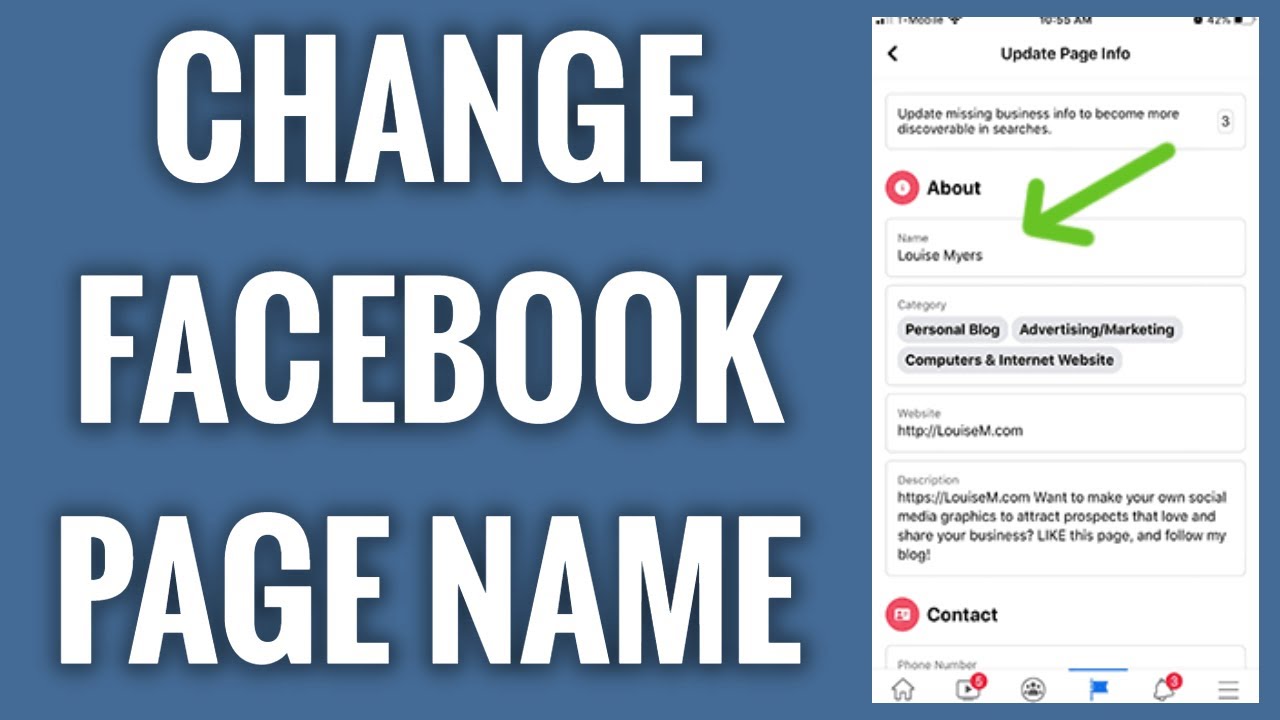
Navigating the landscape of social media, particularly Facebook, requires not just creativity but also a keen understanding of its evolving rules and functionalities. One such functionality that often prompts discussion is the ability to change a Facebook Page name. This guide, drawn from Facebook’s official Help Center and seasoned advice from Louise Myers’ visual social media tips, aims to simplify this process for you.
Understanding the Basics
Changing your Facebook Page name might seem daunting, but it’s quite straightforward once you understand the guidelines and steps involved. This alteration is more than just a cosmetic change; it’s about ensuring your Page accurately reflects your brand, mission, or personality.
Why Change Your Page Name?
- Rebranding: Businesses evolve, and sometimes, a name change is necessary to better represent the new direction.
- Correction of Typos: Simple errors can creep in during the initial setup.
- Alignment with Other Social Media: Consistency across platforms enhances brand recognition.
Step-by-Step Guide
- Initiation: Begin by logging into your Facebook account and navigating to your Page.
- Settings Access: Click on your profile picture, then “Settings & Privacy,” followed by “Settings.”
- Name Change Request: Within “General Page Settings,” click “Edit” next to your Page’s name.
- Submission for Review: Enter your new Page name, then click “Review Change.” Confirm your choice by entering your password and clicking “Request Change.”
Important Considerations
- Irrevocability: Once requested, a name change cannot be undone. Facebook will review your request, which can take up to three days.
- Restrictions: Your Page might face restrictions if it doesn’t comply with Facebook’s community standards or if there’s been a recent name change.
What Names are Permissible?
Facebook imposes specific rules to maintain a clear and safe environment:
- Reflective and Respectful: Names should accurately represent the Page and not infringe on others’ rights.
- Avoidance of Certain Phrases: Words that imply an “official” status without authorization are prohibited.
- Proper Capitalization and Grammar: Names should adhere to basic grammatical rules, avoiding unnecessary symbols or all caps.
Troubleshooting: When You Can’t Change Your Page Name
Occasionally, Page administrators encounter obstacles:
- Lack of Permission: Ensure you have the requisite role on the Page.
- Recent Changes: If your Page name was recently altered, there might be a cooling-off period.
- Page Limits: Restrictions might be in place due to policy violations.
Solutions: Review Facebook’s guidelines, wait if a recent change was made, or consider changing your Page’s category for more flexibility.
Maximizing Your Facebook Page’s Impact
Renaming your Facebook Page is just the beginning. Engagement, content quality, and interaction with followers play pivotal roles in leveraging the full potential of your social media presence.
Final Thoughts: Embarking on a Renewed Social Voyage
Embracing change can reinvigorate your social media strategy, reflecting your brand’s evolution and deepening connections with your audience. With this guide, you’re well-equipped to navigate the name change process, ensuring your Facebook Page remains a vibrant and relevant part of your online identity.
Frequently Asked Questions
How often can I change my Facebook Page name?
- Facebook reviews name change requests up to 3 days and approves changes that comply with their guidelines. Post-approval, there’s a 7-day waiting period for any further name changes.
What if my name change request is denied?
- Review Facebook’s Page name guidelines to ensure compliance and consider minor adjustments that might make your request more acceptable.
Can changing my Page name affect my followers or visibility?
- While the name change itself doesn’t directly affect visibility, consistent branding across all platforms can enhance recognition and trust among your audience.